Digital Guardian Guide
Resource library for guardians of kids navigating online spaces.

WEB

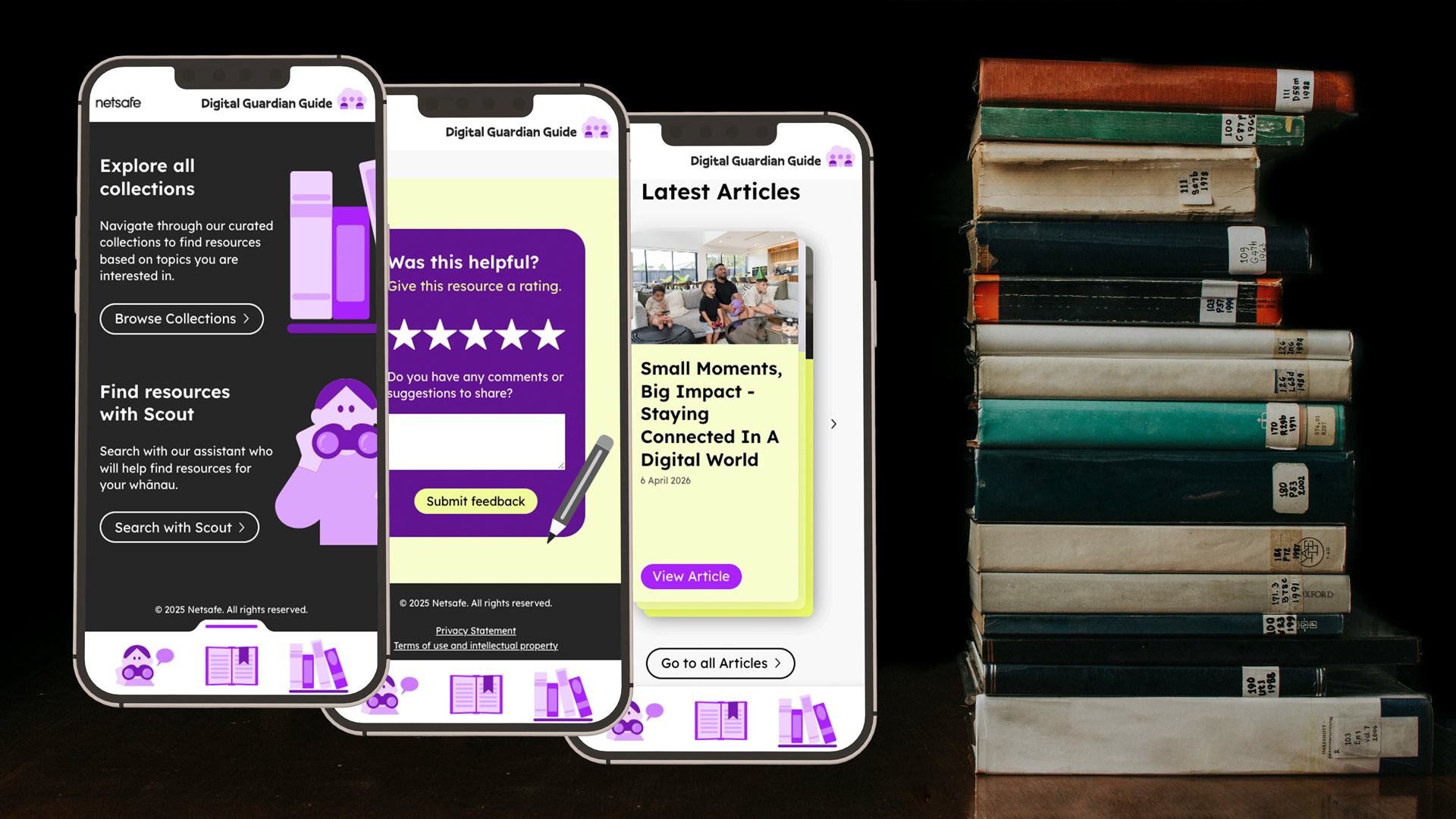
2025-2026 • Netsafe's Digital Guardian Guide (DGG) is an online resource library for parents and caregivers, that provides a starting point to take children from their first interaction with online life to teaching them good habits for independent browsing. Resources are organised by topic, age, and type of media for easy navigation, and there are exclusive special resources like kōrero (conversation) cards that are also available as physical cards.
Client:
Freelance work in partnership with Supergood.
Role:
Web Design | Graphic Design
Favourite Detail:
Hearing an education industry professional praise the value of this resource, and perusing it myself with interest.
Inspiration

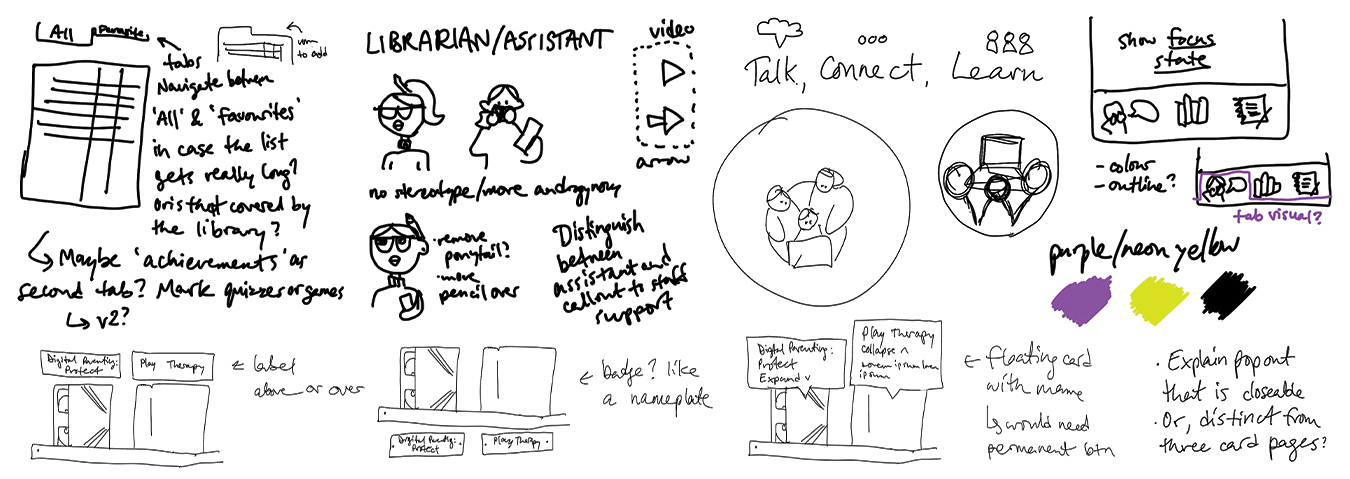
I was brought into this project to expand the website design and as a knowledgeable resource on UX, UI, and Figma, as the functionality was a bit more complex and the client wanted to see a robust prototype of the design. The established styling was to be very analog in feel, pulling on visuals from physical libraries like books and tapes on shelves, kōrero cards users can flip over, and a librarian character to help search for specific resources.
Components
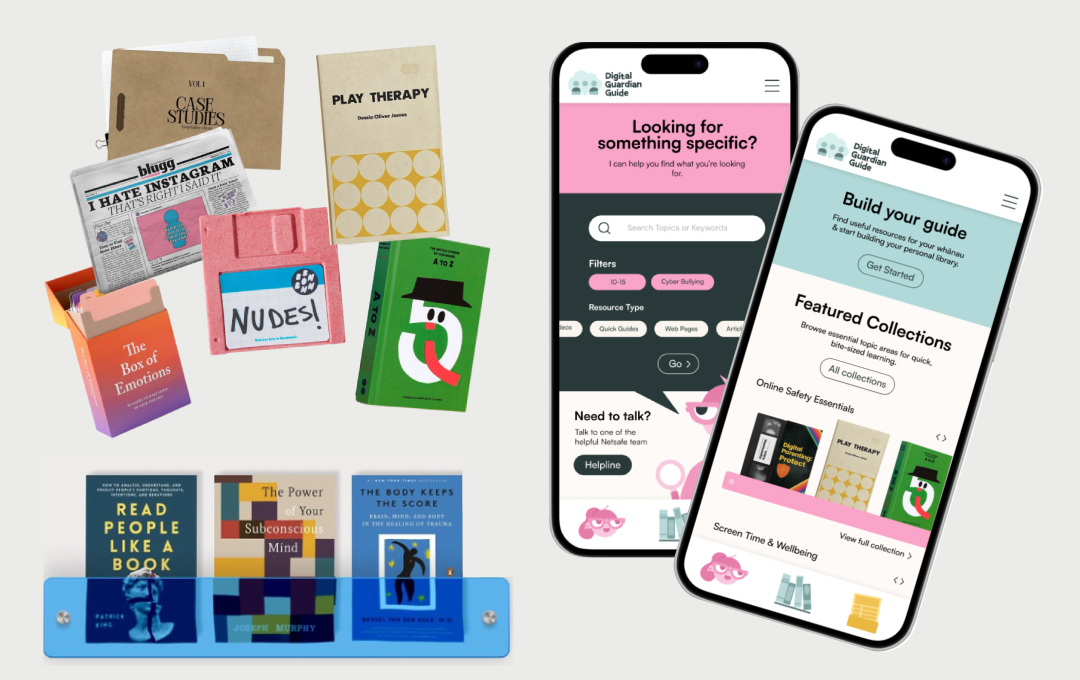
I was well set up with the client's intentions and provided with many of the established visual elements. To represent the resources, realistic visuals would be placed on our virtual shelves, and we knew there would be a quiz, a librarian search function, and topic themed shelves in addition to the personal guide shelf of saved favourites.
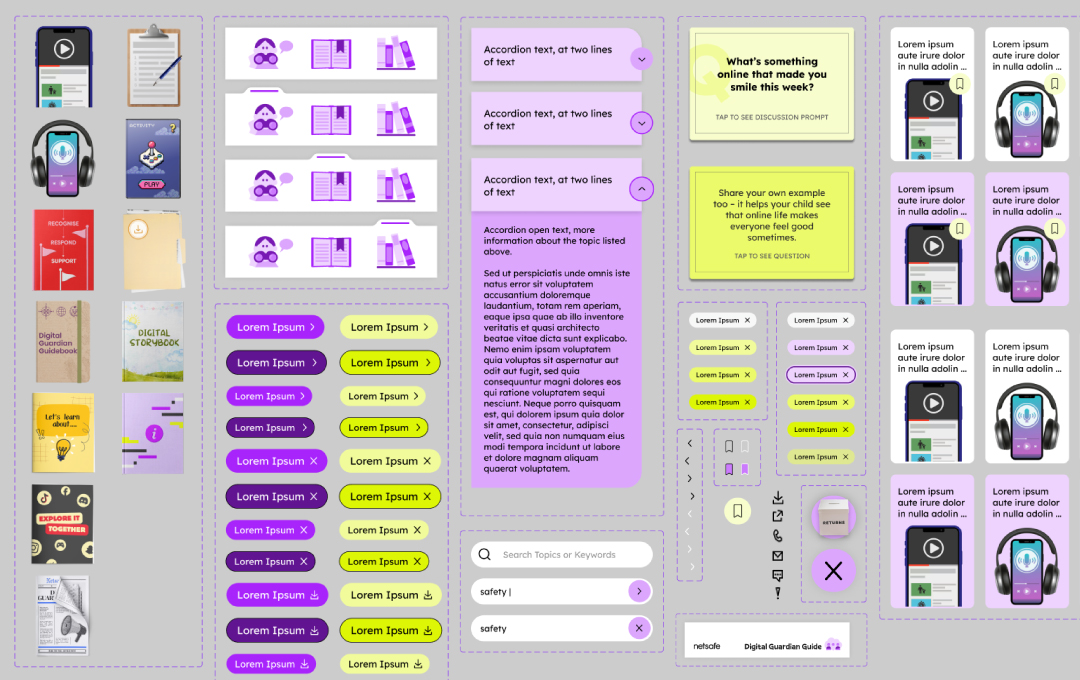
My role as UI designer required fully realised interactions and building the functionality of all the components in Figma. The site was to focus on mobile users first to feel like an app — a library at hand in your pocket. I created expansive components for the build to show the client, and developers, exactly how the finished product should operate.
Building a Pattern Library
A key element was creating a pattern library for use on the actual resource pages. They needed a robust series of UI patterns to present their data, so that it is flexible for all their content and media, which targets different types of users and audiences.
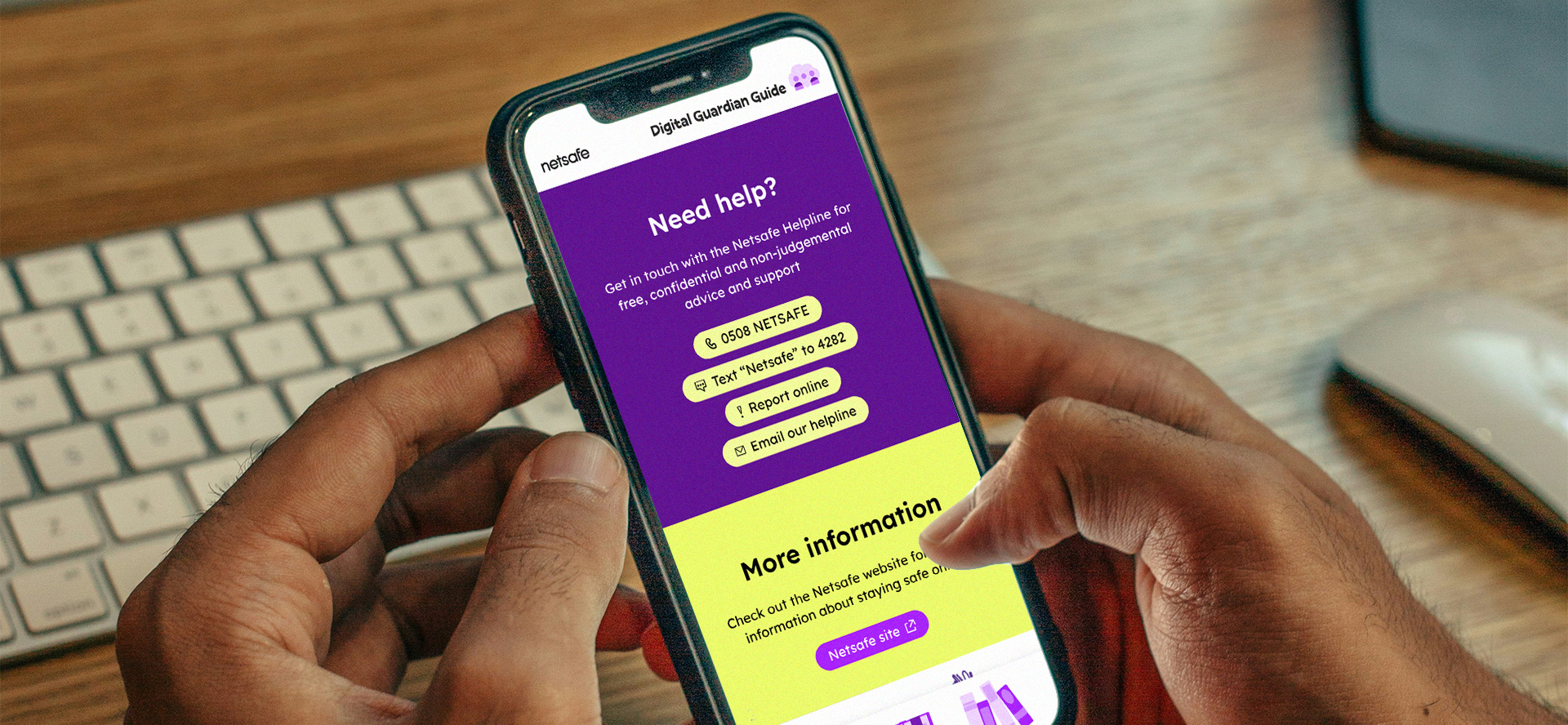
With such a big library of components, the client has freedom to break up their content to make it easier to digest. They have modules to feature safety checks or suggest next steps to take at home, recommend resources, leave ratings, feature quotes from real people, or to connect users to Netsafe staff for further assistance.
Final Results!
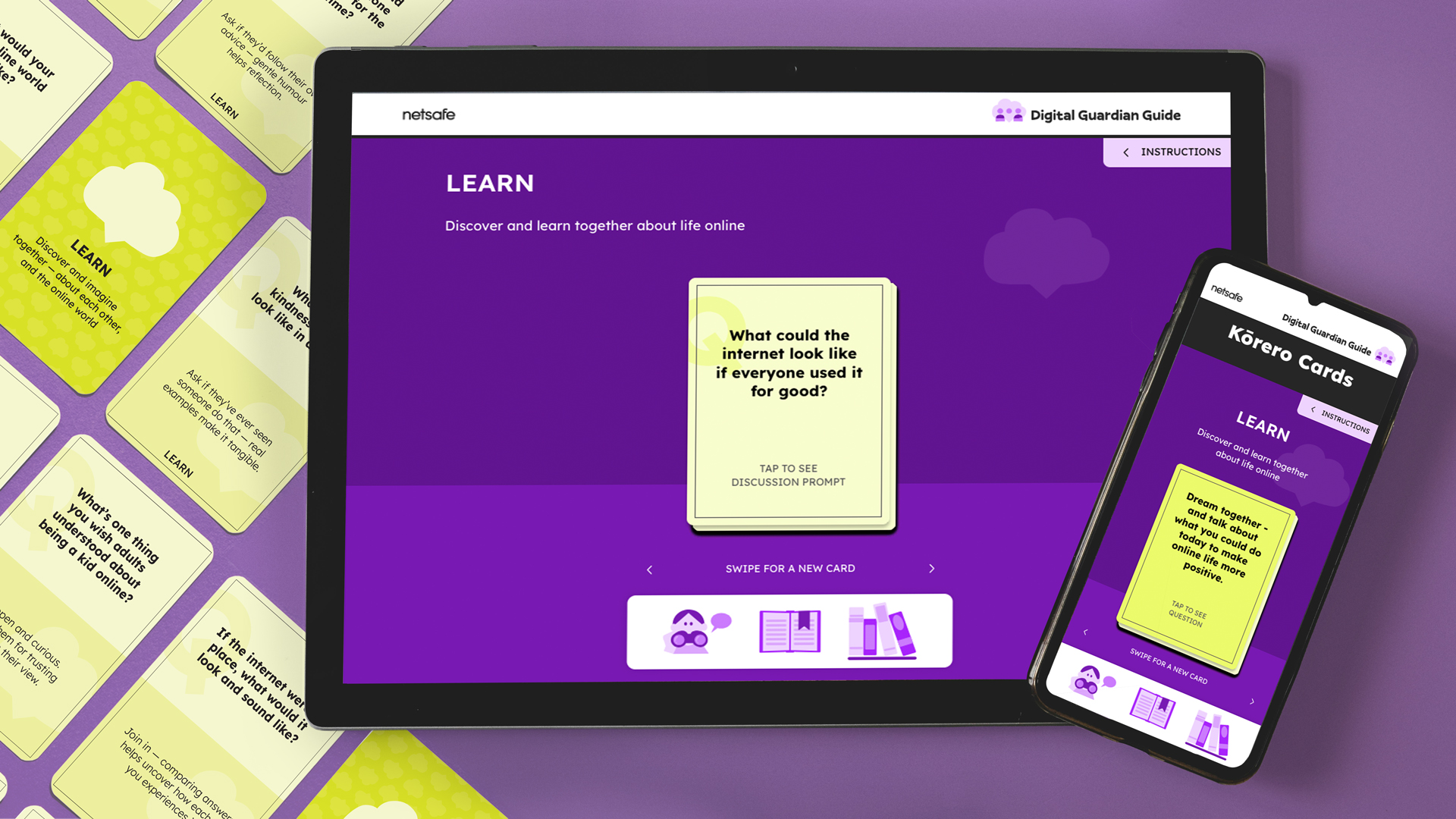
Kōrero cards are an exclusive resource provided by Netsafe. The cards suggest topics and discussion prompts, flipping virtually and colour coded by the topics (Learn, Talk, Connect) in the physical cards. Physical cards are available at city libraries or schools to be leant out.
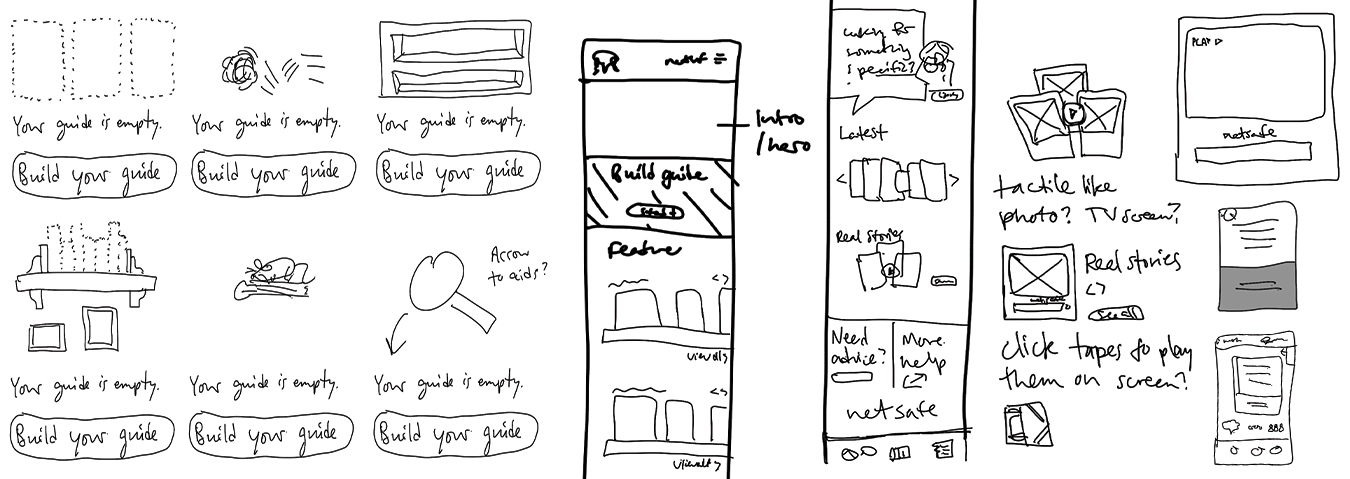
Items in your personal Digital Guide can be saved, removed, and rearranged. There is a disclaimer on the page that personal libraries are shared per device should there be sensitivities in a household around saved topics. If there are no resources saved yet, users are directed to take the quiz or browse to start collecting.